If you've sat through a CMMC assessment, a cyber insurance renewal, or a customer security questionnaire in the last year, you've noticed something: they all ask about the same things.
Not roughly the same things. The same five things, worded slightly differently depending on who's asking.
CMMC checks them. Your carrier checks them. And increasingly, your customers check them too, especially if they're a prime contractor, a regulated buyer, or anyone whose compliance team has woken up to the reality that their supply chain is their attack surface.
After looking at manufacturing breach data from IBM X-Force's 2026 Threat Intelligence Index, Palo Alto Networks' Unit 42 Incident Response Report, and the carrier underwriting requirements documented by Marsh McLennan and Coalition, the pattern is clear. Here are the five controls that matter, why they matter, and where most manufacturers are falling short.
1. MFA: Not Just Enabled. Enforced. And Increasingly, Phishing-Resistant.
Multi-factor authentication has been on every checklist for years. Now, carriers and auditors no longer accept "yes, we have MFA" as a passing answer. They want to know where it's enforced, whether it can be bypassed, and what type it is.
The distinction between "enabled" and "enforced" matters more than most IT teams realize. Enabled means MFA is available as an option. Enforced means nobody can authenticate without completing the MFA challenge. If an employee can choose to skip it, or if conditional access policies allow fallback to password-only from certain locations, you have a gap that both carriers and attackers will find.
The newer requirement, showing up on 2026 carrier applications and CMMC Level 2 assessments: phishing-resistant MFA. Standard push notifications and SMS codes can be intercepted by Adversary-in-the-Middle attacks in real time. FIDO2 security keys and passkeys use cryptographic authentication that can't be relayed because the verification happens between the physical device and the service directly.
For manufacturers with plant-floor workers who share workstations, rolling this out takes planning. It's not a weekend project.
The most common gap we see: MFA is enforced on Microsoft 365 but not on the VPN. The attacker doesn't need to get into email if they can get into the network.
2. EDR on Every Endpoint: Including the Ones Nobody Thinks About
Endpoint Detection and Response is the minimum standard now. Not antivirus. EDR. Every carrier application makes the distinction explicit, and most auditors will flag traditional antivirus as insufficient.
The difference: antivirus catches known threats by matching signatures. EDR monitors behavior patterns and can detect and isolate a compromised machine before the attacker moves laterally. In practice, this means EDR catches the 10pm lateral movement attempt that antivirus wouldn't notice until the ransomware payload executes three hours later.
The coverage requirement is where manufacturers get tripped up. "Every endpoint" means every device that touches your network. Not just the office laptops and desktops. Every server, every remote-access machine, and every device on the production floor that's connected to the business network.
For manufacturers running older operating systems on production-adjacent machines, some of those devices genuinely can't support a modern EDR agent. That's fine, but you need a documented exception with compensating controls. "We couldn't install it" is not a compensating control. "This device is segmented onto an isolated VLAN with no internet access and monitored by network-level detection" is.
The most common gap: EDR is on workstations but not on servers, and not on the HMI or engineering workstations that sit at the boundary between IT and OT.
3. Backups: Immutable, Tested, and Documented
This is the control that has evolved the most in the last two years. The bar has moved from "do you have backups" to "can you prove they work, and can an attacker destroy them."
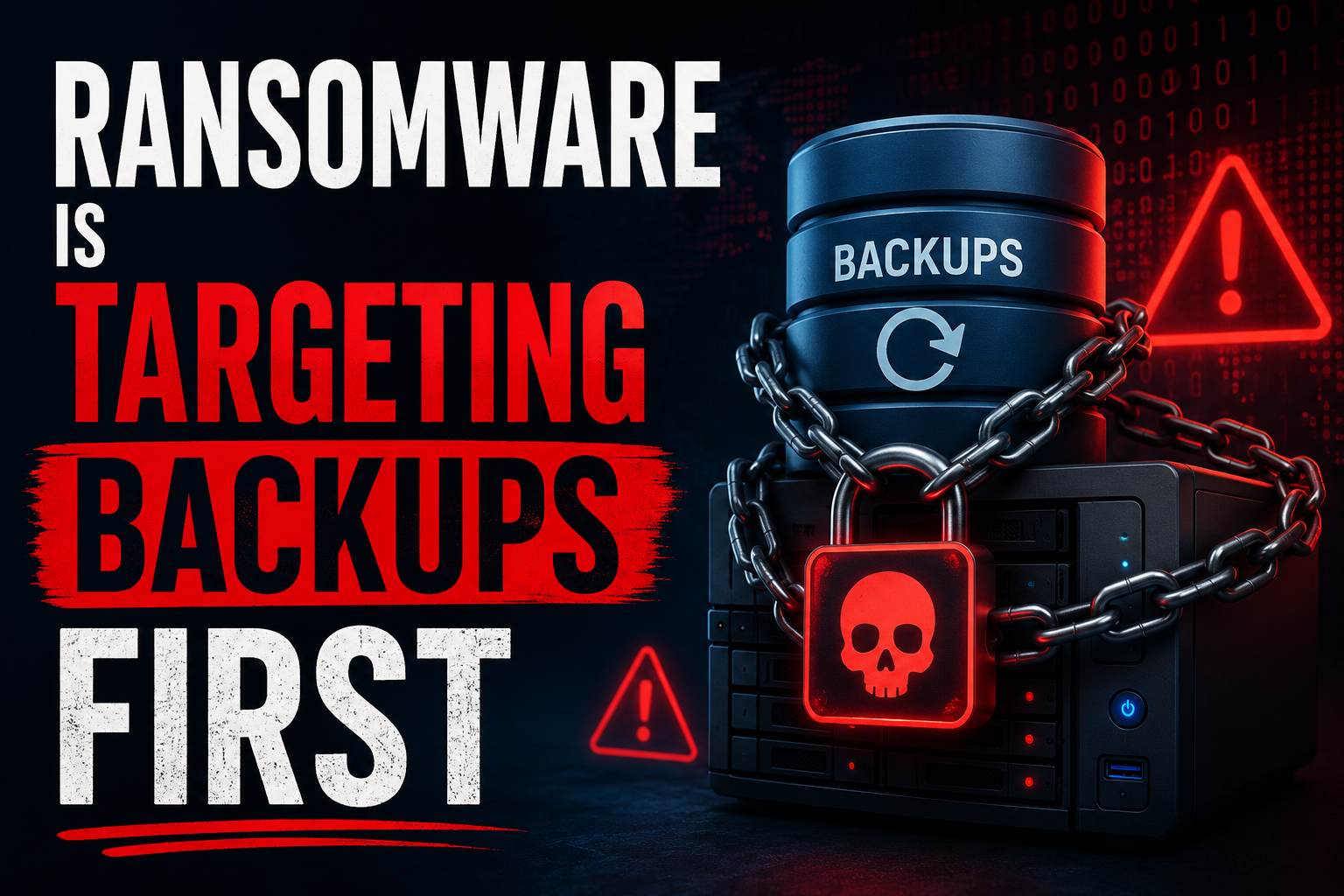
The reason for the shift is simple math. According to multiple industry sources, over 90% of ransomware attackers now attempt to compromise or encrypt backups as part of the attack. If your backup infrastructure is accessible from the same network with the same credentials as your production environment, the attacker takes it out in the same sweep. Your recovery plan was sitting in the blast radius.
Carriers now want to see three things: that backups are immutable or air-gapped (meaning they can't be modified or deleted by anyone who has compromised your production environment), that they're stored off-network, and that you've completed a documented restore test within the last 90 days.
Not a backup job log showing the job completed. A restore test. Pull the data back, confirm it's intact, screenshot the process, timestamp it. That documentation is what separates a payable claim from a denied one.
The most common gap: nightly backup jobs run successfully and nobody has performed an actual restore test in over a year. The backup job completing is not evidence that the data is recoverable.
Free Download
The Manufacturer's Co-Managed Security Checklist
Five controls. Your team vs. your partner. One page.
Get the Checklist4. Admin Rights: Reviewed, Minimized, and Documented
This is the control that feels the least urgent until you see how attackers actually operate. In nearly every manufacturing breach we've looked at, privilege escalation through over-provisioned admin accounts was part of the attack chain.
The pattern: an attacker gets initial access through a compromised credential or a phishing email. They land on a workstation with standard user rights. Then they discover that the IT admin account has a weak password, or that several employees have local admin rights that were granted three years ago for a software install and never removed, or that a former employee's account is still active with domain admin privileges.
From there, the attacker elevates to admin, accesses the domain controller, and has the keys to everything.
Carriers and auditors want to see that admin rights are actively managed: regular reviews (quarterly at minimum), immediate removal for departing employees, and a documented process for granting elevated access that doesn't involve "just give them admin so it works."
The most common gap: admin rights were granted for convenience at some point in the past and have never been formally reviewed. Nobody knows exactly who has admin access or why.
5. Patch Cadence: Including the Devices Nobody Patches
Servers and workstations generally get patched on a regular cycle. Patch management has been a standard IT practice for decades, and most organizations with any level of IT maturity handle this reasonably well.
The gap is in everything else. Firewalls, VPN concentrators, switches, access points, and OT-adjacent network devices. These are the systems that sit at the perimeter of your network, that are often directly accessible from the internet, and that attackers specifically target for initial access.
CVE-2021-22681 (the Rockwell Logix controller vulnerability that Iranian-affiliated actors targeted in early 2026) has been known since 2021. Five years. And thousands of devices remain unpatched and internet-facing. That's not an exotic zero-day attack. That's a known vulnerability on an unpatched device that was reachable from the public internet.
Carriers want to see a documented patch cadence that covers all device types, not just servers and workstations. If your firewall firmware is two versions behind, or your VPN concentrator hasn't been updated in 18 months, that's an active exposure that will show up on a carrier's external scan.
The most common gap: servers are patched monthly, but network appliances were last patched 12 to 24 months ago because "they're working fine and we don't want to break anything."
The Pattern That Matters
None of these five controls require exotic technology or massive budgets. What they require is consistent process, documentation, and someone who's tracking whether the work is actually getting done.
That last part is where the co-managed model fits for manufacturers with internal IT staff. Your IT person handles the day-to-day: distributing hardware tokens, coordinating maintenance windows, removing departed employees. A co-managed partner handles the parts that require specialized tools and continuous monitoring: configuring conditional access, running 24/7 EDR, managing immutable backup infrastructure, conducting quarterly audits, and producing the documentation that carriers and auditors want to see.
Neither side can do it alone. The internal person knows the business and the people. The partner knows the threat landscape and the compliance requirements. Together, the five controls get covered. Separately, at least two of them are always lagging.
We put together a one-page checklist that maps each of these five controls to what your internal team should own versus what a co-managed partner typically handles. It's specific to manufacturers and it's free.
Walk Through It Together
Score Results Review in 20 Minutes
Go control by control. Find out where you're solid and what to fix first.
Book a Time